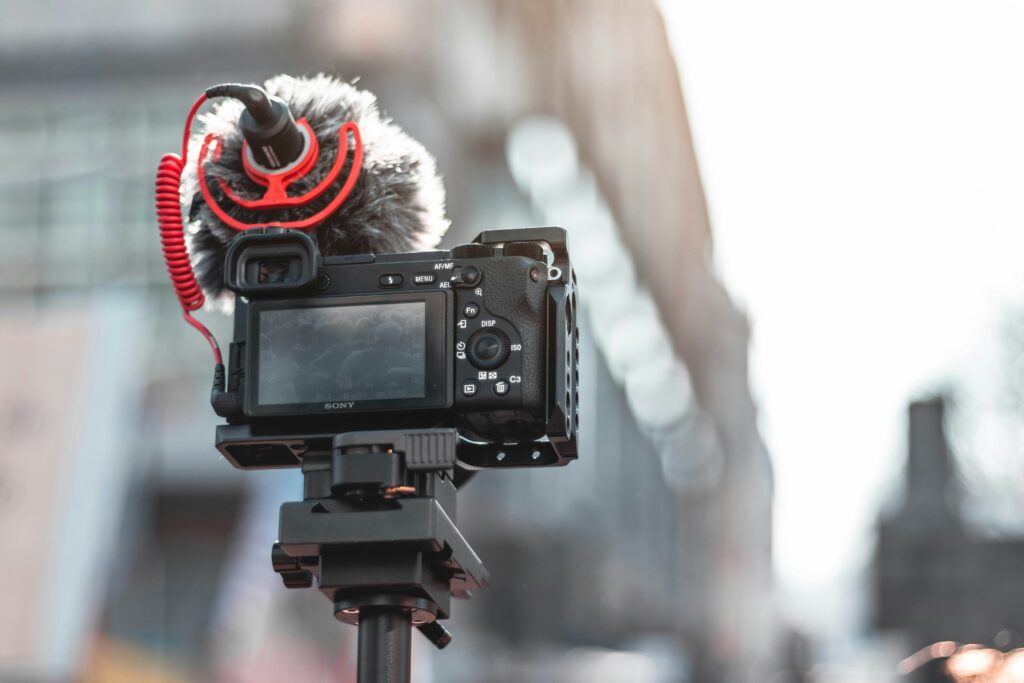
Here is a conversation we have at the counter most weeks.
Someone has decided to start making video. Maybe it’s for their business, maybe their photography clients keep asking, maybe they just want to film their kid’s band properly. And they have a list. The list almost always has a gimbal on it. Frequently a drone. Sometimes a follow-focus, which is a thing that costs real money and that they will use zero times.
What the list almost never has is a microphone.
This is not a knock on anybody. The list comes from YouTube, and YouTube is full of people demonstrating equipment because demonstrating equipment is their business. The gear that actually determines whether your video is watchable is boring and does not photograph well in a thumbnail.
So here is the counter version of that conversation, in the order we would actually give it.
The rule that decides everything
Buy what you use on every shoot. Rent what you use on one shoot.
That single sentence will save you more money than any deal you will find this year. Audio, a tripod, cards, batteries — you touch those every time you press record, and renting them repeatedly is throwing money away. A gimbal, a big light kit, a specialty lens, a long telephoto for one event — those come out twice a year, and buying them means paying full price to own something that lives in a closet depreciating.
We rent from both stores, so this is admittedly convenient advice for us to give. It is also just correct, and it is why we tell people to rent a lens for a weekend before buying it.
Start with the camera you already have
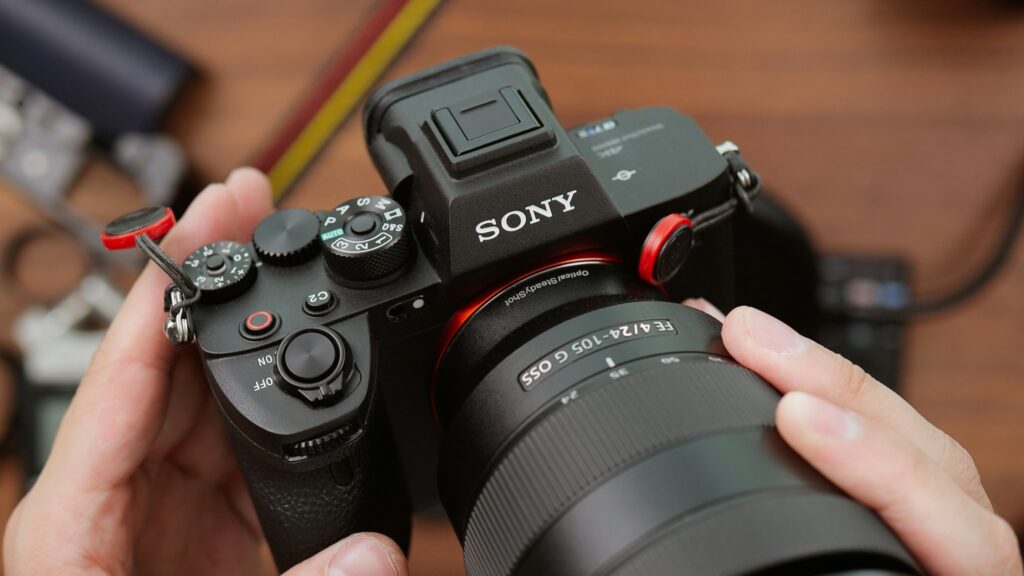
If you own a mirrorless camera made in roughly the last five years, it shoots good video. Not adequate — good. Any current hybrid body will put out 4K footage that is limited by the person operating it long before it is limited by the sensor.
The camera is the one thing on the list you can most likely skip. Spend that money on the things below, and in six months you will know enough about what you actually shoot to buy the right body instead of the one that was on sale.
Then buy a microphone, and it is not close
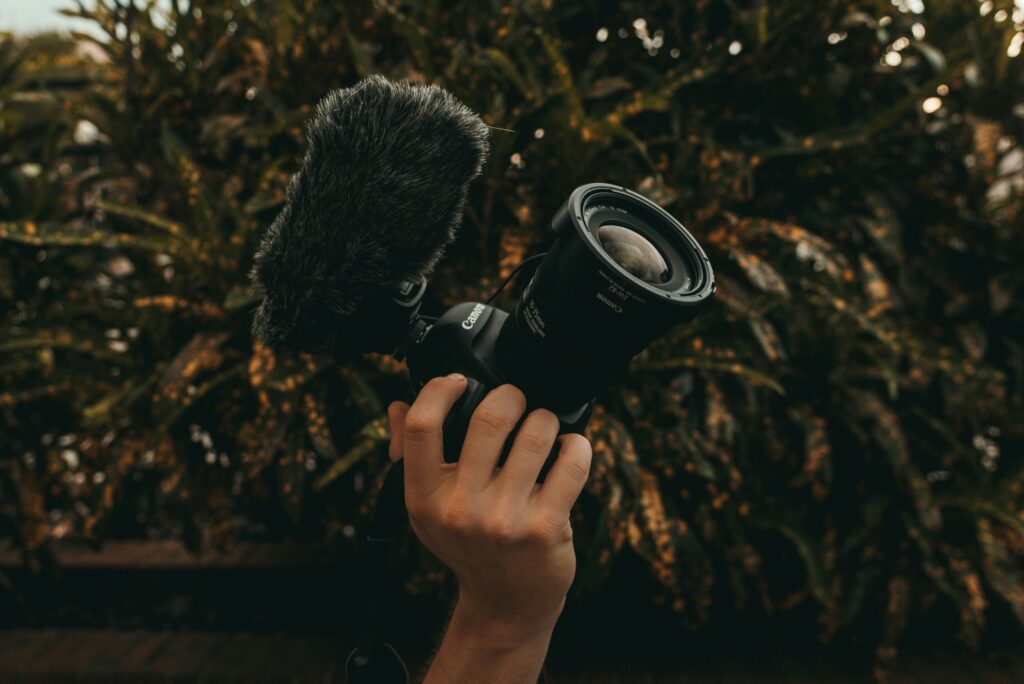
This is the whole post, honestly. If you take one thing from it: bad audio makes people stop watching; mediocre video does not. People will forgive a soft, slightly dark image. They will not sit through hollow, echoing, air-conditioner-filled sound.
RODE, who build a good deal of the audio gear in our cases, put the camera problem plainly in their own guide for filmmakers:
“Simply put, DSLRs and mirrorless cameras do not record high-quality audio by default. If you’re a filmmaker, it’s probably one of the first things you noticed when you started shooting. For most purposes, the internal mics in these cameras are noisy and capture unclear audio.”
There are two separate problems in there. The microphone itself is small and mounted in the wrong place, and the preamp behind it — the circuit that boosts a quiet mic signal up to usable level — is, in RODE’s words, not great. Ask a weak preamp to lift a distant, quiet voice and it adds hiss doing it.
The part that is physics, not marketing
Sound obeys the inverse square law. Double the distance from a source and the intensity falls by roughly 6 dB — a quarter of the energy. That is not a brand claim, it is acoustics, and it is why microphone placement beats microphone price nearly every time.
RODE’s own support documentation says the practical version better than we could:
“In most recording environments, moving the microphone closer will improve audio quality far more effectively than increasing gain or volume levels.”
And what actually degrades as you back away:
“As the distance between the microphone and the sound source increases: The voice or sound source becomes quieter · More room echo and background noise may become noticeable · Audio clarity and intelligibility may decrease”
Move a microphone from six feet to eighteen inches and you have not made a small improvement. You have changed the recording. A modest lavalier clipped to someone’s shirt will beat an expensive microphone mounted on the camera, every time, because the cheap one is eighteen inches away and the expensive one is six feet away.
The shotgun microphone misunderstanding
Worth clearing up, because it costs people money. Plenty of beginners buy a shotgun mic expecting it to work like a zoom lens for sound. RODE has published a support article that exists more or less entirely to correct this:
“A shotgun microphone does not ‘zoom’ audio. While it can reject surrounding noise better than many other microphone types, the sound source will still become quieter and less detailed as the distance increases.”
“Shotgun microphones help improve clarity by focusing on sound coming from the front of the microphone, but they still follow the same physical limitations as any microphone regarding distance.”
A shotgun narrows what it hears — it rejects the sides and the rear. It does not reach. Point one at somebody twenty feet away and you get a clean, quiet recording of somebody twenty feet away. The fix is still to get the microphone closer, which usually means a boom just out of frame rather than a longer mic on the hot shoe.
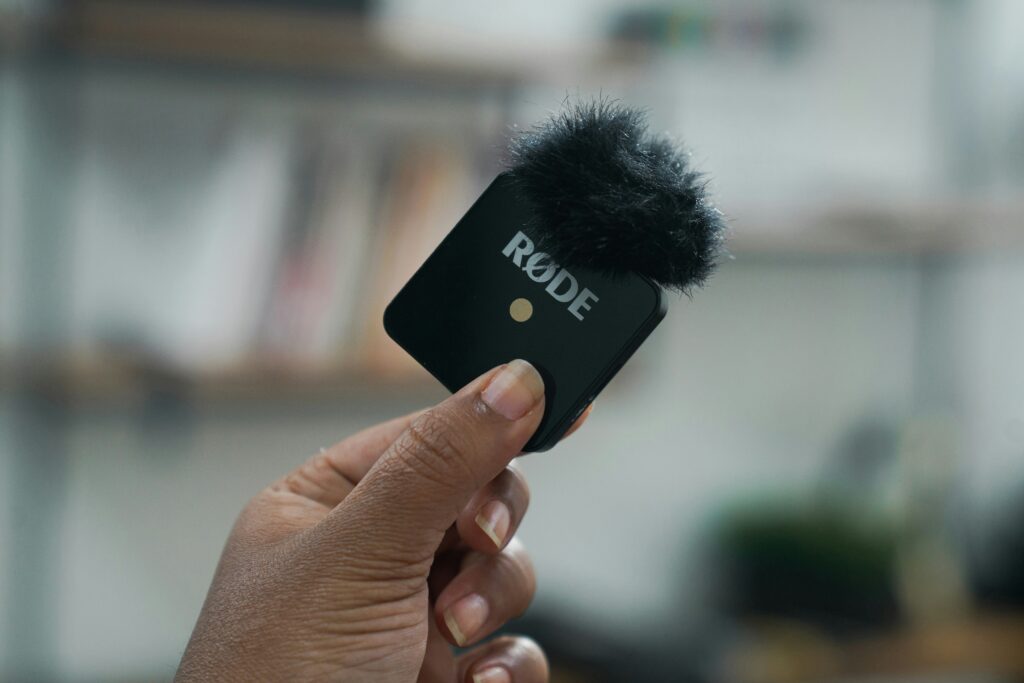
Practically: if you film people talking — interviews, testimonials, training, a business explainer — a wireless lavalier system is the first thing to buy. RODE frames the classic case well: at a speech or a lecture, “the camera is often too far away for the onboard mic to get clean sound,” and sending a boom operator to the head table at a wedding is not an option. If you film things that cannot wear a microphone, a shotgun on a boom, held close. An on-camera shotgun is the compromise you accept when nothing else is possible, not a first purchase.
Before you shoot: turn off the camera’s audio processing
This one is free, it takes ninety seconds, and almost nobody does it.
Your camera ships with audio features enabled that were designed to make the internal microphone survivable. Once you plug in a real microphone, those same features actively hurt you. RODE’s guidance:
“Most cameras will have a limiter, wind noise reduction, and Automatic Gain Control (AGC) and some will have other EQ or gain controls – often these are switched on by default, but you’ll want to turn them all off.”
AGC is the worst offender, and it is worth understanding what it does to an interview:
“it will increase the gain level before your talent starts speaking, raising the background noise level and then making the first few words of their speech uncomfortably loud before it then lowers the volume once more when their voice is detected.”
That is the pumping, breathing quality you hear on amateur video and cannot quite name. It is the camera hunting.
Set levels manually instead. The rule is simple:
“The golden rule of setting audio levels is to make sure your meter never hits 0db – this will cause your signal to clip, which will result in distortion.”
Aim for roughly −10 dB on your meter with plenty of headroom, and do a test recording before the real thing — have your subject talk at the volume they will actually use, and at their loudest, and watch where the meter peaks. Because the other half of that rule is unforgiving:
“There are some things you simply cannot fix in post-production – for example, distorted audio that was recorded too loud.”
A quiet recording can be lifted. A clipped one is gone.
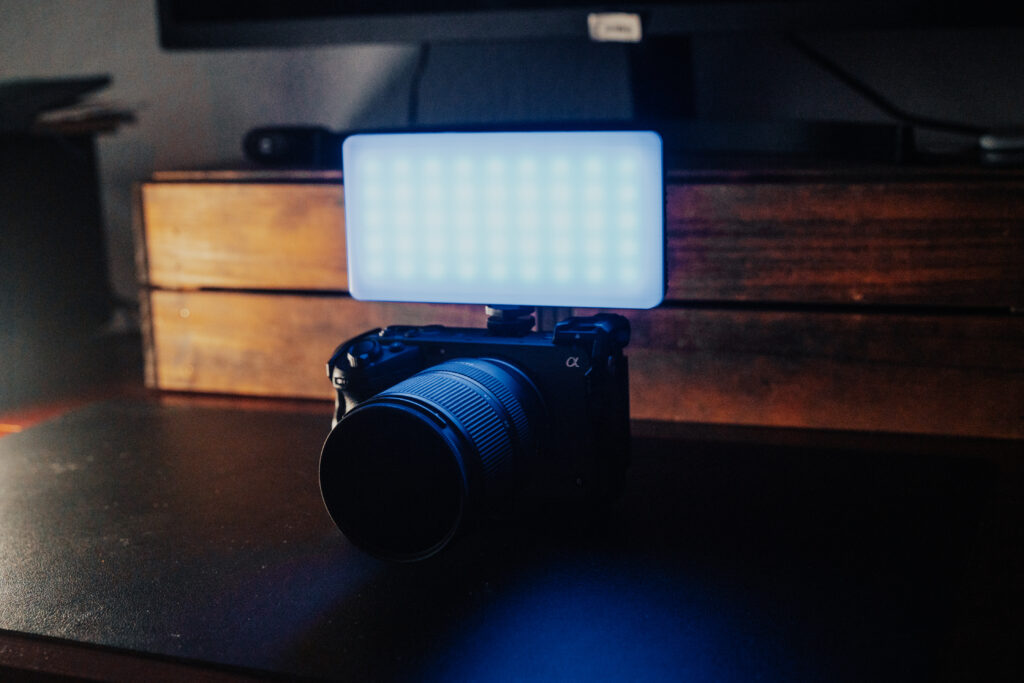
Then a light. One light.
Not a kit. One good light with a way to soften it.
Beginners buy three-light kits and then use one, because lighting three sources well is a skill and lighting one source well is a Tuesday afternoon. One light, placed to the side of your subject and diffused through something, will make a video look more professional than anything else you can spend the same money on.
Natural light through a north-facing window is free and often better than a cheap LED panel. Start there, notice what you wish you could change, and buy the light that changes it.
Then support, and probably not a gimbal
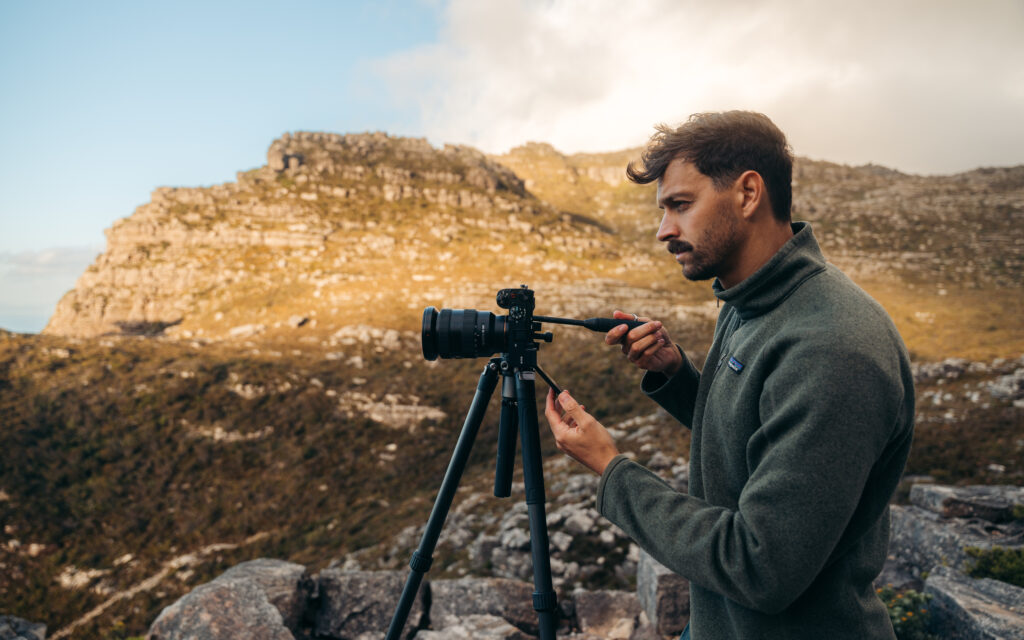
A tripod with a fluid head — not the ball head you use for stills. A fluid head is what makes a pan look intentional instead of jerky. This is the most common upgrade photographers moving into video forget, because their existing tripod feels perfectly good until the first time they try to pan with it.
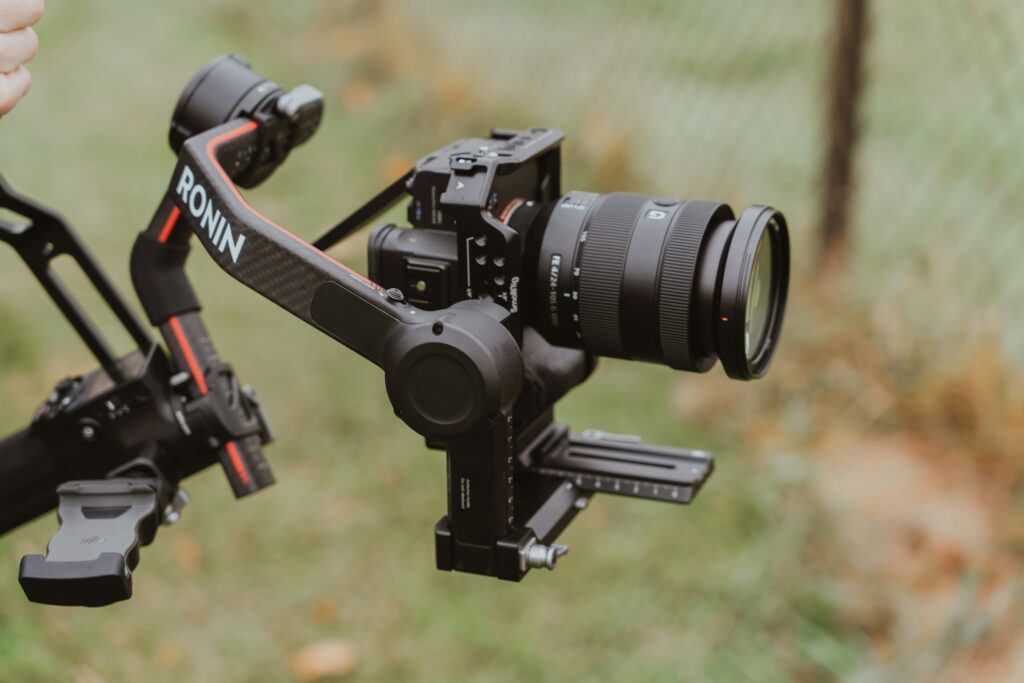
For handheld work, in-body stabilization on a modern camera plus decent technique covers most of what people buy gimbals for. Rent a gimbal for the shoot that genuinely needs one. They are also more work than they look — balancing one properly takes real time on set.
The cost nobody budgets for: storage
This is where new video shooters get genuinely blindsided, so here are real numbers from manufacturer specifications.
| Camera and mode | Bitrate | Per hour | On a 128GB card | On a 512GB card |
|---|---|---|---|---|
| Sony a7 IV — 4K 8-bit, 30p | 100 Mbps | 45 GB | 2 hr 51 min | 11 hr 23 min |
| Sony a7 IV — 4K 10-bit 4:2:2, 60p | 200 Mbps | 90 GB | 1 hr 25 min | 5 hr 41 min |
| Canon R5 Mark II — 4K All-Intra | 500 Mbps | 225 GB | 34 min | 2 hr 17 min |
| Sony a7 IV — XAVC S-I 4K, 60p | 600 Mbps | 270 GB | 28 min | 1 hr 54 min |
| Canon R5 Mark II — 8K RAW | 2600 Mbps | 1,170 GB | 7 min | 26 min |
Look at the last row. 8K RAW runs about 19.5 GB per minute. A half-terabyte card holds twenty-six minutes of it.
A three-hour interview shoot in 4K 10-bit at 200 Mbps produces roughly 270 GB. In All-Intra at 600 Mbps, the same shoot is 810 GB. That is before you have edited anything, and you need somewhere to put it that is not the card — which means external drives, and ideally two of them, because a single copy of a client’s footage is not a backup.
Budget storage as part of the rig, not as an afterthought. For most people starting out, a good V30 card and a Long GOP setting is the right answer. All-Intra is a post-production convenience, not a quality upgrade you can see.
And check what card your camera actually requires
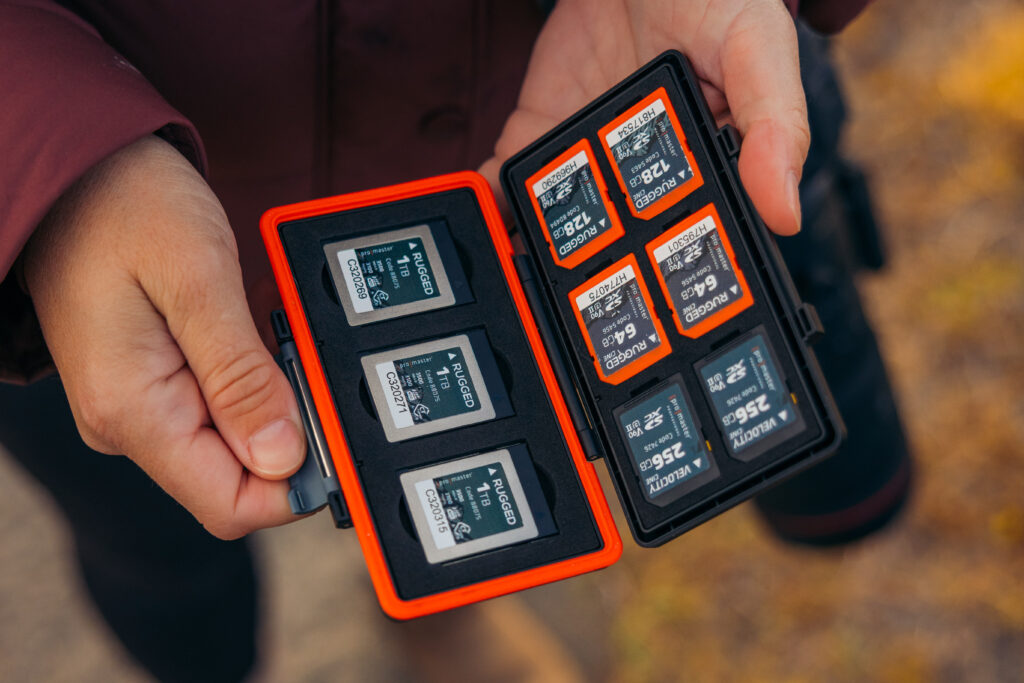
This catches people. Sony’s documentation for the a7 IV is clear about where the line falls: XAVC S 4K at up to 200 Mbps records to “SDHC/SDXC card (U3/V30 or higher).” But XAVC S-I 4K, which runs to 600 Mbps, requires “CFexpress Type A memory card (VPG200 or higher)” or “SDXC V90 or higher.”
So one menu setting can be the difference between the cards in your bag working and not working. Meanwhile the Canon EOS R6 Mark II has no CFexpress slot at all — it is dual SD UHS-II — so nothing on that body needs one. Know which camp your camera is in before you buy cards, and bring it by if you are not sure. We would much rather answer that question than sell you the wrong card.
Do not shoot log yet
Every manufacturer has a flat “log” profile — Sony’s S-Log3, Canon Log 3, Panasonic’s V-Log, Nikon’s N-Log — and every beginner turns it on because it is what the professionals use.
The manufacturers themselves tell you not to, if you are not going to do the work afterward. Nikon’s documentation is the bluntest:
“N-Log recording is intended for footage that will be processed using color grading post-production.” … “Compatible third-party software is required for color grading.”
Canon notes that log footage graded aggressively makes noise “more noticeable,” and that setting a low ISO in Canon Log actually “will make the dynamic range narrower” — the opposite of what people assume.
And Sony, to its credit, says outright that when you are on a deadline you should be recording an image “as close to the vision of the finished image as possible” rather than flat.
Log is a commitment to a grading workflow, not a quality setting. If you are not going to color grade every clip, a good standard profile will look better and take an hour less per video. Learn to light and expose first. Log will still be there.
The limit nobody mentions until it ruins a shoot
If you are filming anything long — a ceremony, a conference talk, a full interview — find out what your camera’s recording limit actually is before the day.
They vary wildly, and these are manufacturer figures. The Canon EOS R6 Mark II stops at six hours per clip. The Nikon Z8 is rated to about 125 minutes in 4K/60p and 90 minutes in 8K/30p. Canon also runs a ten-level temperature indicator and warns that if you keep recording past the flashing red icon, “the camera automatically turns off.” Their own mitigation advice includes using a tripod rather than shooting handheld, because your hands add heat to the body.
Panasonic went a different direction: the S5 II advertises unlimited recording through heat dispersion, and the GH7 has an actual cooling fan built in. If long-form recording is your main use case — and for a lot of small-business video it is — a body with active cooling is a genuinely different tool, and that is worth knowing before you spend.
So what should you rent?
Rent the things whose job is occasional:
- Gimbals. Try one before you decide you need one.
- Big lighting. A proper light kit for the one shoot that needs it.
- Specialty and long lenses. Anything you would use twice a year.
- A second body. Two-camera interview setups are much easier than one, and renting a match for a day is far cheaper than owning two.
- The camera you think you want. This is the real one. Take it out for a weekend, shoot the thing you actually shoot, and look at the files before you spend thousands.
Buy the things whose job is every time: audio, a fluid-head tripod, cards, batteries, storage.
Where to start
- Audio for video — wireless lav systems, shotguns, recorders. The first purchase, not the fourth.
- Video tripods, supports and rigs — fluid heads, not ball heads.
- Video lighting — start with one and a way to soften it.
- Memory cards — know your camera’s requirement before you buy.
- Monitors and recorders
- Used gear — a sensible way into a second body.
🎥 Rent it first
Both stores rent, and this is exactly what the rental counter is for. Take out the gimbal, the light kit, or the body you are considering, shoot one real project with it, and decide with actual footage in front of you.
San Antonio: 6635 San Pedro Ave · 210-349-4400 · cameraxrentals.com
Austin: 5907 Burnet Rd · 512-520-5161 · austin.cameraxrentals.com
Or just bring your camera in and tell us what you are trying to shoot. Fifty-three years of this, and the most useful thing we do is still talking somebody out of the wrong purchase, and the most useful thing we do is still talking somebody out of the wrong purchase.